
FeaturesNavigationVoice search

Voice search

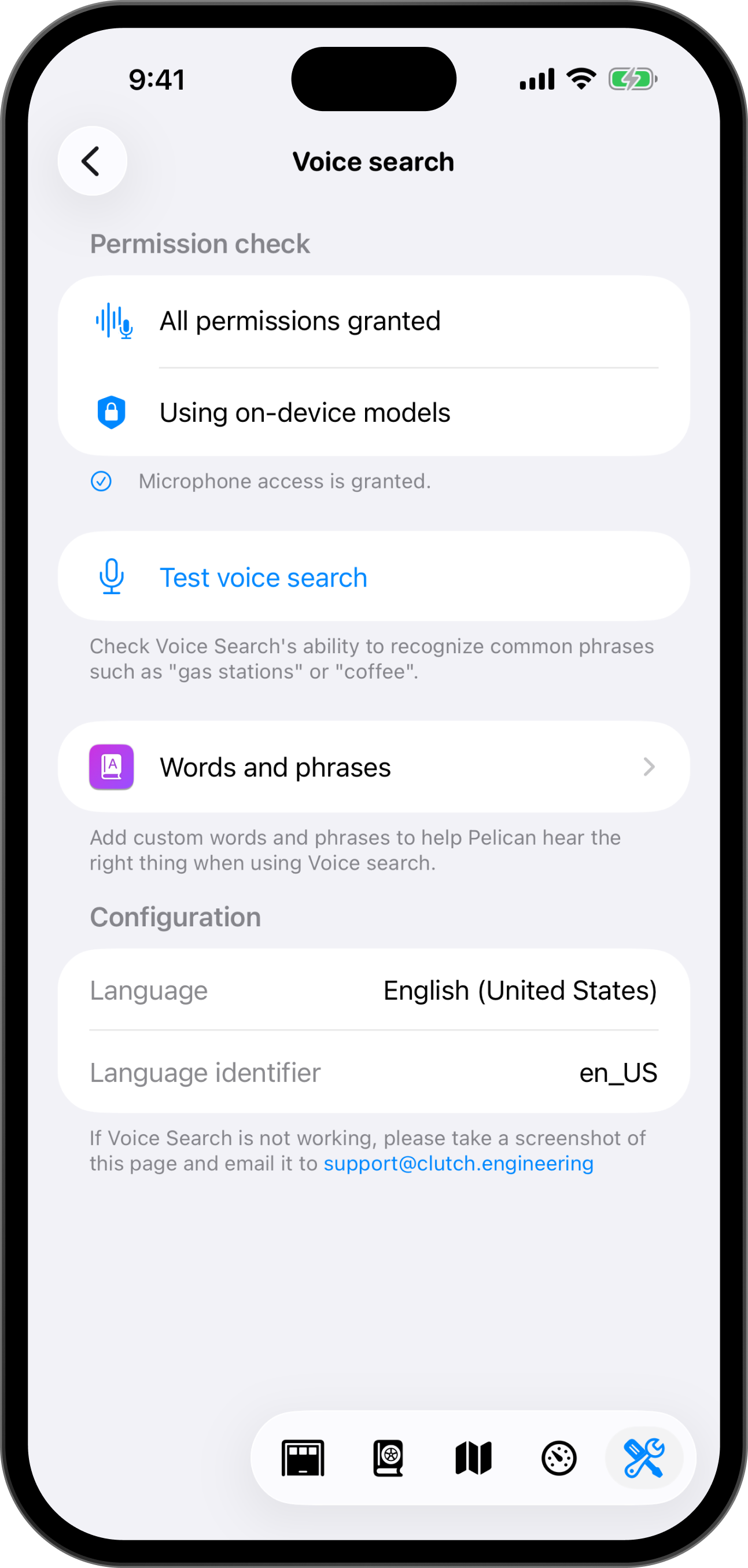
Say where you want to go with a voice search engine that can learn from how it hears you.

Works on
iPhone, CarPlay
Since
Pelican 5.1
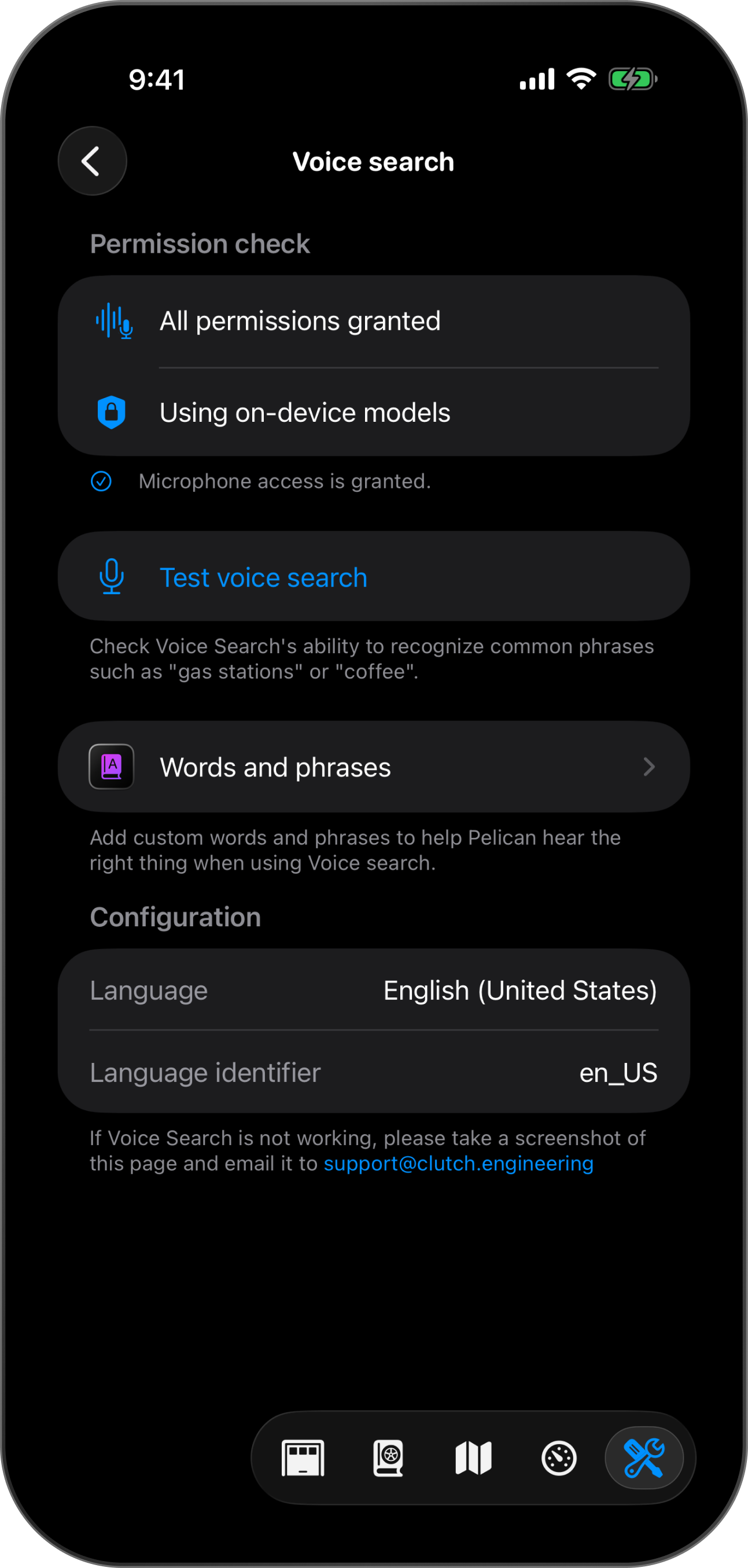
Voice search: Say where you want to go with a voice search engine that can learn from how it hears you.Voice search: Say where you want to go with a voice search engine that can learn from how it hears you.

Words and phrases

Some names sound identical to other words, so if Pelican hears the wrong thing when you speak, you can train Pelican to hear what you meant instead.

Keep your voice on your device

Voice search uses your iPhone's on-device speech recognition when it is available for your language, so what you say to Pelican can stay on your device. Where your iPhone or language has no on-device recognition, Pelican falls back to Apple's speech recognition service, the same one that powers Siri.

More in Navigation