FeaturesNavigationLane guidance
Lane guidance
Know which lane to be in before you get there, and prepare for multi-step maneuvers that require being in specific lanes.
- Works on
- iPhone, CarPlay
- Since
- Pelican 5.0

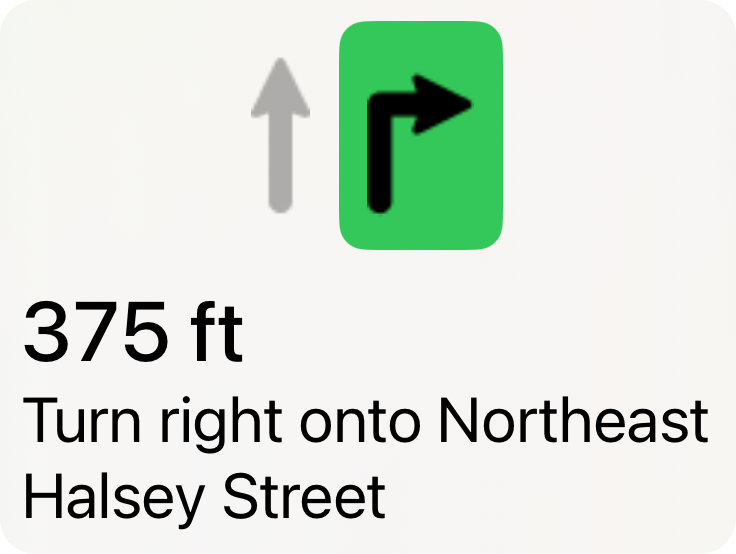
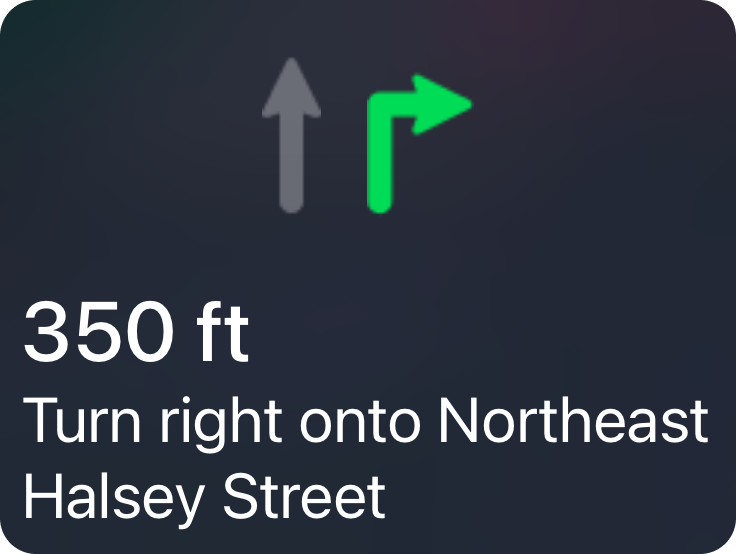
Prep for intersection maneuvers
Turn left onto Park Avenue West
Denver, Colorado
Both left lanes are fine
Turn left onto East Mockingbird Lane
Dallas, Texas
Know which side of the split to be on
Keep left to take I 80 East toward Bay Bridge/Oakland
San Francisco, California
Prep for your exit
Take exit 168B onto SR 520 toward Bellevue/Kirkland
Seattle, Washington
Be ready for an upcoming maneuver
1. Turn right onto Stockton Street
2. Turn left to stay on Stockton Street, 260 m on
Two lanes turn right. Pelican picks the inner one, because the next turn is a left.
San Francisco, California
More in Navigation
Pelican Navigation
A powerful navigation engine, optimized for Apple Silicon and built on top of OpenStreetMap, meaning it can run entirely on your phone. Now available in public beta.
Learn moreSigns along the route
Pelican draws stop signs, traffic lights, yield signs, speed bumps and red light cameras on the route ahead of you.
Learn moreWatch your speed
Stay aware of your speed and the road's speed limits, including conditional limits such as school zones. The speed gauge lets you tune how it reacts to your speed.
Learn more